
The Linktree Problem: Why Generic Link-in-Bio Pages Don't Get Creators Paid
Linktree is built for traffic, not payments. Why a payment link in a link-in-bio can end at a login screen, and what payment-first creators use instead.
Linktree Is Excellent — At the Wrong Job
Linktree is one of the most widely used tools in the creator economy, and for good reason. It's clean, easy to set up, and puts all your links in one place. But there's a critical problem no one talks about: Linktree was built for clicks, not for payments.
For creators who use Venmo and Cash App to collect payments from clients, this distinction matters every time a client pays. A tool built for traffic treats a payment link like any other link.
How a Generic Link-in-Bio Page Handles Your Venmo Link
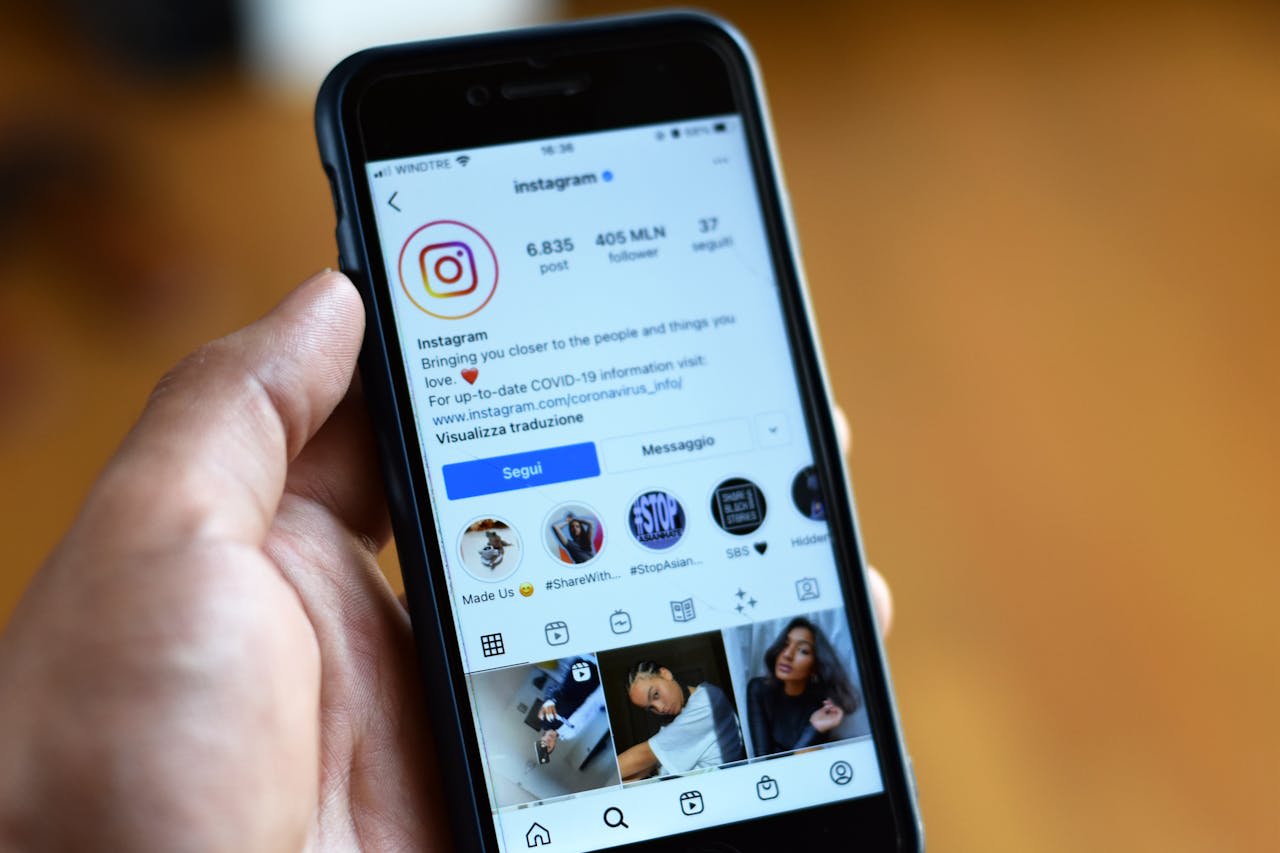
When you add your Venmo or Cash App link to Linktree, Bio.link, or any generic link-in-bio tool, here's what actually happens when a client taps it from Instagram:
Tips on reducing payment friction, straight to your inbox.
- Client taps your link-in-bio page from Instagram
- The page loads inside Instagram's in-app browser
- Client taps your Venmo button
- The link opens Venmo — but still inside the in-app browser
- The in-app browser has no Venmo login session saved
- Client sees a login wall, doesn't remember their password, closes it
The generic link-in-bio page did its job perfectly — it directed the client to your Venmo link. But because it uses a standard hyperlink, the destination still opens in the in-app browser. The client may still land on Venmo's website instead of the app, however good the page looks.
The 4 Ways Generic Link-in-Bio Pages Fail Payments
1. Standard Links, Not Deep Links
Most link-in-bio tools send every link the same way. On a phone, a SettleQuik page tries Venmo's app link first and falls back to the same profile on the web. Cash App and PayPal links open their apps when they're installed. Whether the client is asked to sign in is up to the payment app, not the link.
2. No Payment Conversion Data
Linktree tells you how many people clicked your Venmo link. No link tool can tell you whether a payment finished, because that happens inside the payment app. What SettleQuik adds is clicks by payment method (Pro and up), so you can compare them with what arrived.
3. No Link Checks
If your Venmo username changes, your link breaks. If Cash App updates its URL structure, your link breaks. Most link-in-bio tools don't check whether a link still works. Silent payment outages can run for days or weeks before a confused client finally mentions it.
4. Trust Friction from Generic Design
A generic Linktree page with a free tier watermark, default colors, and no branding sends a subtle signal to clients: this is not a professional payment experience. When clients feel uncertain about where they're sending money, hesitation increases and conversion drops. A branded, professional payment profile helps with that hesitation.
What a Payment-Optimized Link-in-Bio Looks Like
A payment-first link-in-bio page is fundamentally different from a traffic-first one. Here's how SettleQuik approaches each element:
| Feature | Generic Link-in-Bio (Linktree, etc.) | SettleQuik |
|---|---|---|
| Venmo/Cash App links | Standard browser link | Venmo app link tried first; Cash App opens its app when installed |
| Payment conversion data | Click count only | Clicks by payment method (Pro and up) |
| Link health checks | None | Daily checks, with an email if a link breaks (paid plans) |
| Branding | Linktree watermark (free tier) | Your own design; Business and Agency can hide "Page made with SettleQuik" |
| Agency management | None | Full creator roster dashboard |
The Real Cost of the Wrong Tool
Payment friction — the login walls, the abandoned checkouts, the silent link failures — costs creators payments they never see. Those are payments that were attempted but never completed.
Linktree's free tier costs nothing. But if it's facilitating payment losses you never see, the invisible cost is real. A $10/month SettleQuik Pro subscription pays for itself if it saves one $10 payment a month.
Who Needs to Make This Switch
Not every creator needs a payment-optimized link-in-bio. If you only use your bio link to drive traffic to YouTube videos or blog posts, a generic tool works fine. But if any of the following describe you, a payment-first profile is essential:
- You collect commissions, session fees, or tips via Venmo or Cash App
- You've ever had a client say "I tried to pay but it wasn't working"
- You send your payment link through Instagram DMs, TikTok, or Twitter
- You've noticed high clicks on your payment links but inconsistent payment volume
- You manage multiple creators and need visibility into payment performance across your roster
If one or more of these apply, you're actively paying the tool-wrong tax.
Making the Switch Takes 5 Minutes
Setting up a SettleQuik profile is free and takes less time than setting up a Linktree page. Connect your Venmo and Cash App links, customize your profile, and replace your current bio link with your SettleQuik URL. On a phone, each tap tries the payment app first.
Your link-in-bio page should be converting payments, not losing them. The tool you use matters more than most creators realize. The shift from generic tools to dedicated payment directories is the industry's answer to this problem.
Build your free payment profile today.
See the full breakdown: SettleQuik vs Linktree — Side-by-Side Comparison →
Read Next:
The Death of the Generic Link-in-Bio: Why Creators Need a Dedicated Directory →
Continue this topic
This article belongs to the Creator Monetization pillar. Explore the full cluster for more guides connected to this subject.
Explore Creator MonetizationPublished by SettleQuik, a directory of the payment methods you already use. Why we built it · Plans and pricing